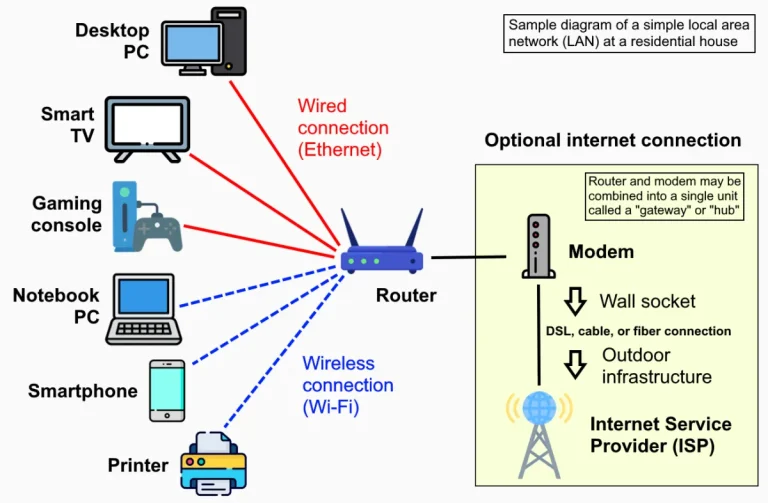
Complaining to your internet service provider about slow internet will be more effective if you have accurate measurement results. Here’s how.
Set up the test conditions
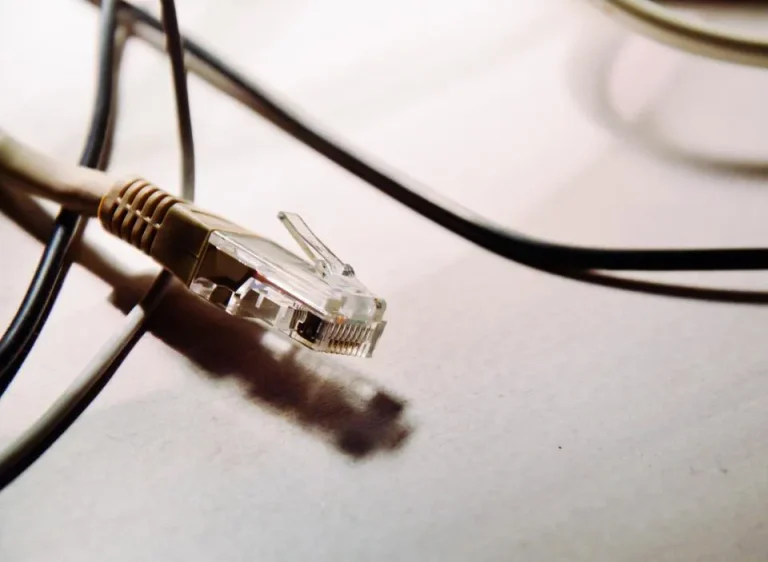
- Use an Ethernet cable whenever possible. Measurements taken over Wi-Fi can be affected by signal strength.
- Stop other downloads, including Windows updates and cloud syncing.
- Test several times at different times of day, such as in the morning, afternoon, and evening.
Understand the results
- Download: the speed at which data is received; this affects video streaming and website loading.
- Upload: the speed at which data is sent; important for video conferences, live streams, and uploading files.
- Ping (latency): response time in milliseconds. The lower the better; important for gaming and video calls.
- Jitter: fluctuations in ping. High jitter causes choppy audio during video conferences.
Compare it to your plan
Plan speeds are usually listed in Mbps (megabits per second), while download apps display MB/s (megabytes per second). 1 MB/s is roughly equal to 8 Mbps. So a 20 Mbps plan has a maximum download speed of about 2.5 MB/s.
When should you contact your internet service provider?
If your wired test results are consistently well below your plan’s advertised speed at various times, record the results (screenshots along with the time), then report them to your internet service provider. Complete data speeds up resolution.
For hotspot administrators
Run a test from a router or computer directly connected to the modem, then compare it with a test from a customer’s smartphone. A significant discrepancy indicates a problem with the local network, such as an access point that’s too far away or a speed limit in the profile settings.

The Digitize Store team: technicians and digital product makers helping you choose and use technology well.