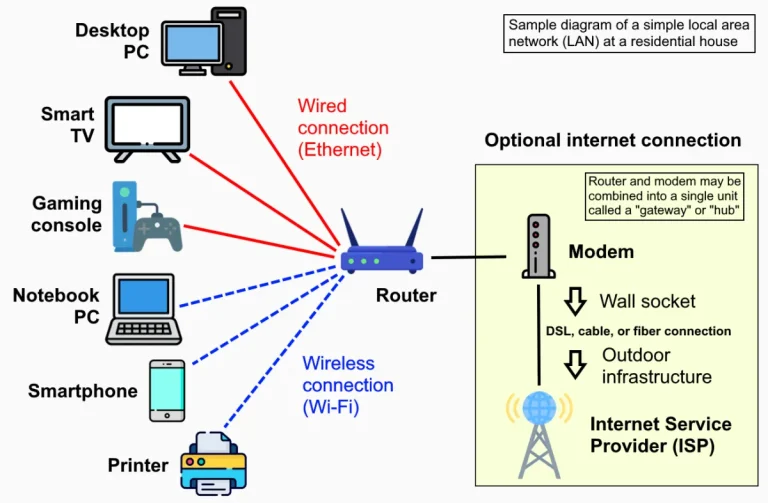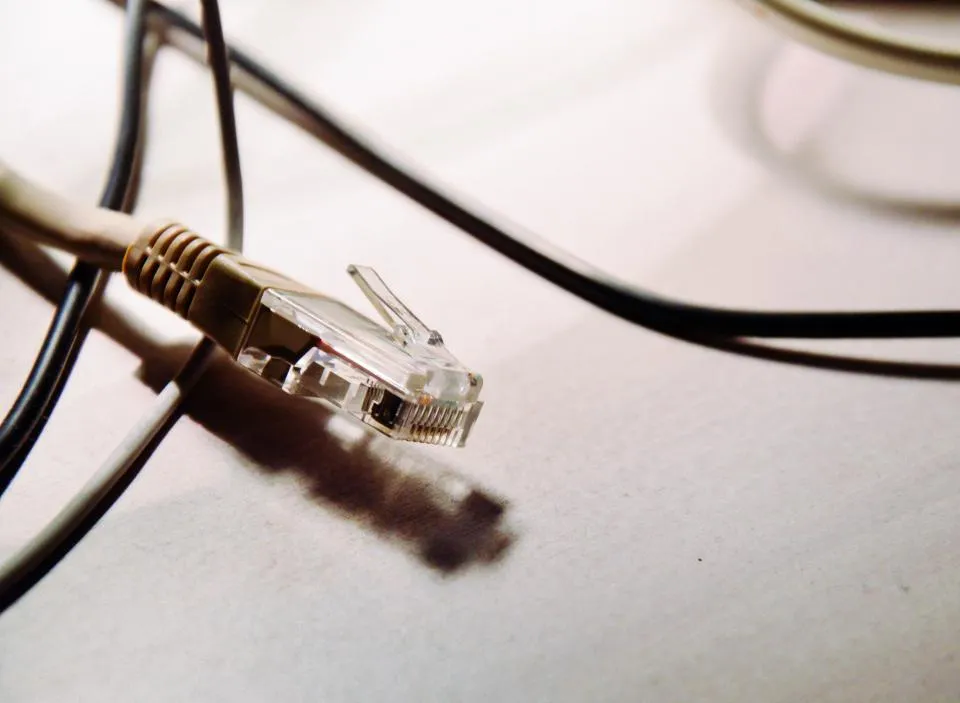
LAN cables are often taken for granted, even though their quality determines network stability—especially for access points, CCTV systems, and office computers.
Key Differences
- Cat5e supports speeds of up to 1 Gbps at distances of up to 100 meters. This is sufficient for most home and small office needs.
- Cat6 also supports 1 Gbps up to 100 meters, with better signal quality and less interference. Over short distances (around 55 meters), Cat6 can support 10 Gbps.
The 100-meter limit applies to a single run of cable. Beyond that, the signal weakens and requires a switch in the middle.
Which one should you choose?
- For computers and TVs at home, Cat5e is sufficient.
- For new installations designed to last, office networks, access points, and neighborhood networks (RT/RW Net), Cat6 is recommended because the price difference is minimal while the quality is superior.
Tips for installing RJ45 connectors
- Strip the outer sheath just enough—be careful not to damage the inner wires.
- Arrange the colors according to the T568B standard at both ends (for straight-through cables): white-orange, orange, white-green, blue, white-blue, green, white-brown, brown.
- Flatten the end of the cable and insert it until it touches the end of the connector.
- Press with crimping pliers until it locks into place, then test with a LAN tester.
Avoid common mistakes
- Pulling the cable too tightly or bending it sharply.
- Installing indoor cables outdoors without protection, causing them to quickly become brittle from exposure to the sun and rain.
- Splicing cables with insulation; use a splice connector or replace the cable with a new one.

Written by
Tim Digitize Store
The Digitize Store team: technicians and digital product makers helping you choose and use technology well.