Frequent Wi-Fi disconnections are very annoying, especially during online meetings or while selling online. The good news is that you can troubleshoot most of the causes yourself.
First, check: is the problem with the Wi-Fi or the internet?
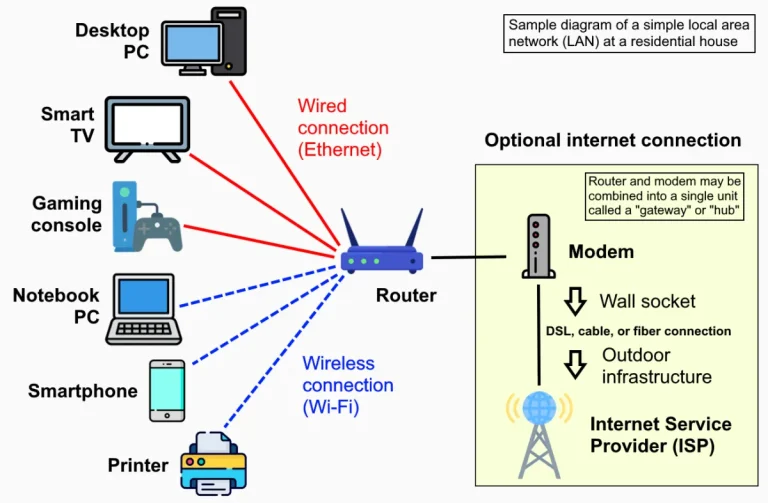
Connect your laptop to the router using an Ethernet cable. If the connection still drops when using a cable, the problem lies with your internet connection or modem, and you’ll need to contact your internet service provider. If the connection is stable with a cable, the problem is with your Wi-Fi.
Causes and Solutions
- Router placement. Place the router in an open, slightly elevated spot, away from metal cabinets, aquariums, and thick walls.
- Congested 2.4 GHz channel. In densely populated areas, many routers use the same channel. Try changing the channel in your router’s settings, or use the 5 GHz network if available.
- Too far from the router. A weak signal causes the connection to drop frequently. Add an access point in the distant area.
- Router Overheating. A router in an enclosed space may restart on its own. Ensure proper air circulation.
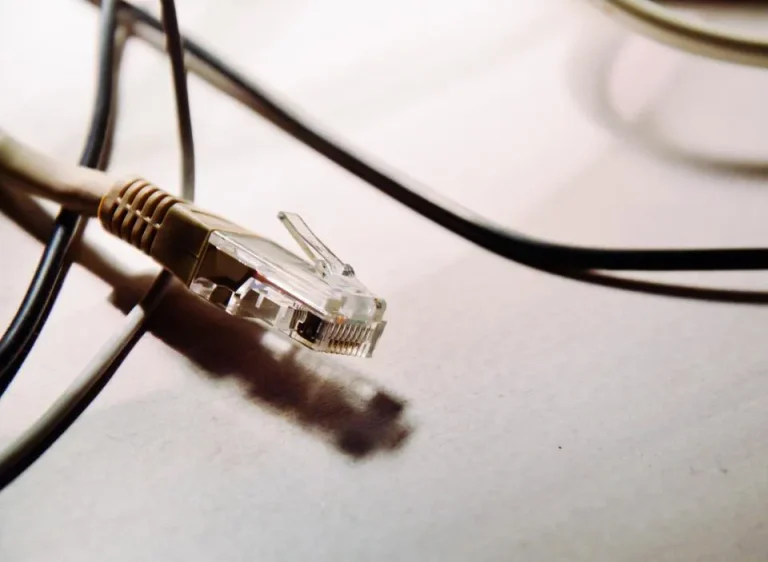
- Damaged LAN cable or connector. Replace cables that are sharply bent or connectors that are loose.
- Outdated firmware. Update the router’s firmware from the settings menu.
- Too many devices. Inexpensive home routers have a limit on the number of devices they can reliably support.
- Unstable power supply. Voltage fluctuations can cause devices to restart. A small UPS is very helpful.
- Power-saving mode on the laptop. In Windows, disable the option that allows the computer to turn off the Wi-Fi adapter to save power (Device Manager → network adapters → Power Management).
For laptops without good Wi-Fi
The built-in Wi-Fi card in older laptops is often unreliable. A USB Wi-Fi adapter or USB LAN adapter can be an affordable solution.

Written by
Tim Digitize Store
The Digitize Store team: technicians and digital product makers helping you choose and use technology well.