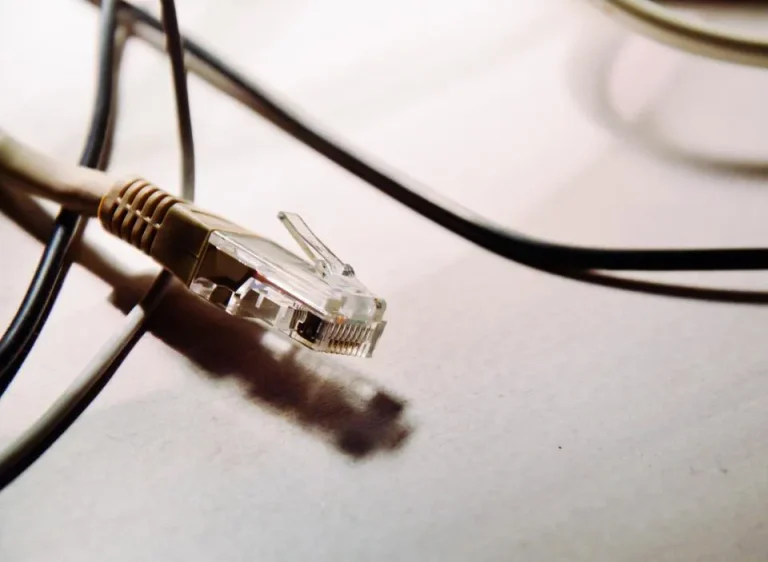
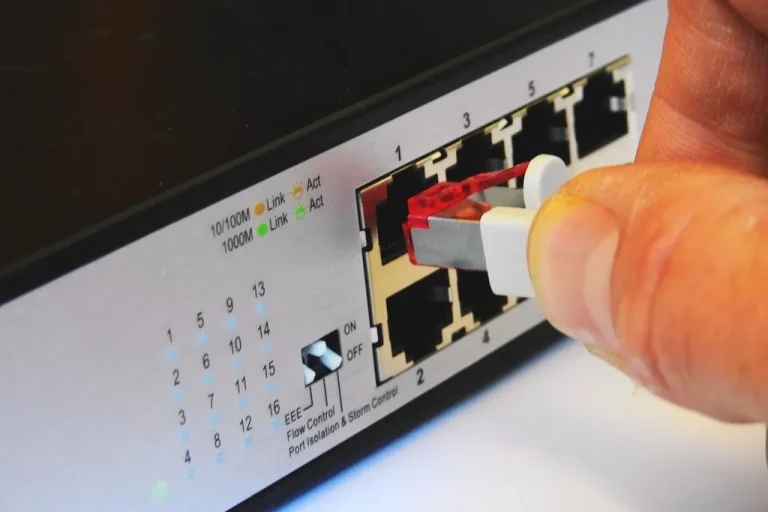
Cat5e vs. Cat6 LAN Cables: Which One Is Right for Your Network?
Differences between Cat5e and Cat6 LAN cables in terms of speed, distance, and price, as well as tips for installing RJ45 connectors to ensure a stable…
Home Network

Differences between Cat5e and Cat6 LAN cables in terms of speed, distance, and price, as well as tips for installing RJ45 connectors to ensure a stable…
Home NetworkThe basics of creating a hotspot voucher in MikroTik: creating a user profile, setting speed limits and validity periods, and then creating multiple users at once.
MikroTik GuideTwo ways to limit the speed of MikroTik hotspot users: rate limiting in user profiles and Simple Queue, along with examples of reasonable values.
MikroTik GuideIntermittent Wi-Fi connections are usually caused by simple issues: the router’s location, channel interference, cables, or devices that are overheating. Check them one by one.
Home Network2.4 GHz has a longer range, while 5 GHz is faster. Understand the advantages of each so you can choose the right network for your home…
Home NetworkSpeed test results are often misleading because the testing method is flawed. Here’s how to measure your internet speed correctly and interpret the results.
Home NetworkDNS is the Internet's phone book. Learn how it works, when changing your DNS settings can be helpful, and how to change them on Windows and…
Home NetworkThe user is connected to Wi-Fi, but the login page won't open. Learn about common causes—from HTTPS and DNS to browser cache—and how to fix them.
MikroTik GuideA router can malfunction or become misconfigured at any time. Learn two ways to back up your MikroTik settings and how to store them securely.
MikroTik GuideRouters left with their default settings are easy to exploit. Follow these seven basic steps for your hotspot router and RT/RW Net router.
MikroTik Guide