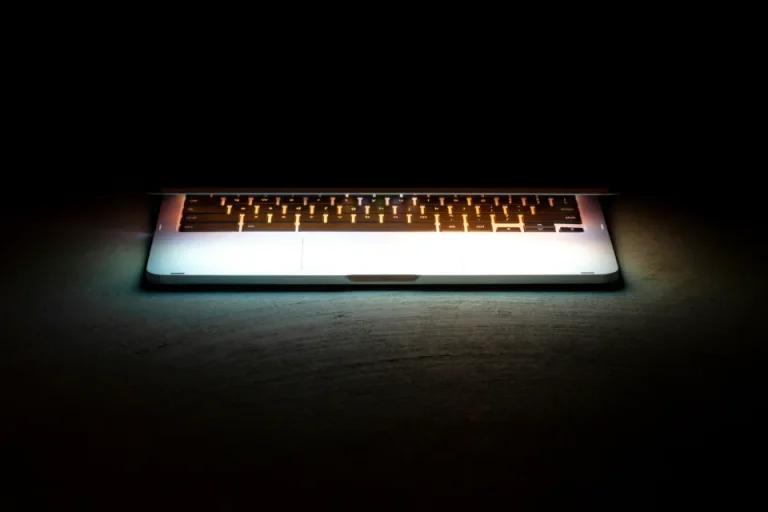
Lithium-ion batteries can swell due to age, overheating, or cell damage. A swollen battery isn’t just a matter of reduced capacity—it’s also a safety concern.
Signs of a swollen battery
- The touchpad is raised or difficult to click.
- The bottom case is loose, and the lid no longer closes tightly.
- The laptop doesn’t sit flat on a table.
- The keyboard feels raised in the center.
Why is this dangerous?
A swollen battery can press against and damage other components such as the touchpad, motherboard, or screen. In some cases, a damaged battery poses a risk of overheating and catching fire.
Safety steps to take
- Stop using the laptop and unplug the charger.
- Do not press, puncture, or attempt to flatten the battery.
- Store the laptop on a non-flammable surface, away from heat.
- Take it to a technician to have the battery replaced with a compatible model.
- Dispose of the old battery at an electronic waste collection site, not in regular trash.
How to Prevent This
- Keep your laptop away from excessive heat, such as inside a car parked in direct sunlight.
- Use the original charger with the correct power rating.
- If the laptop is almost always plugged in, enable the charging limiter feature if available in the manufacturer’s built-in app.

Written by
Tim Digitize Store
The Digitize Store team: technicians and digital product makers helping you choose and use technology well.