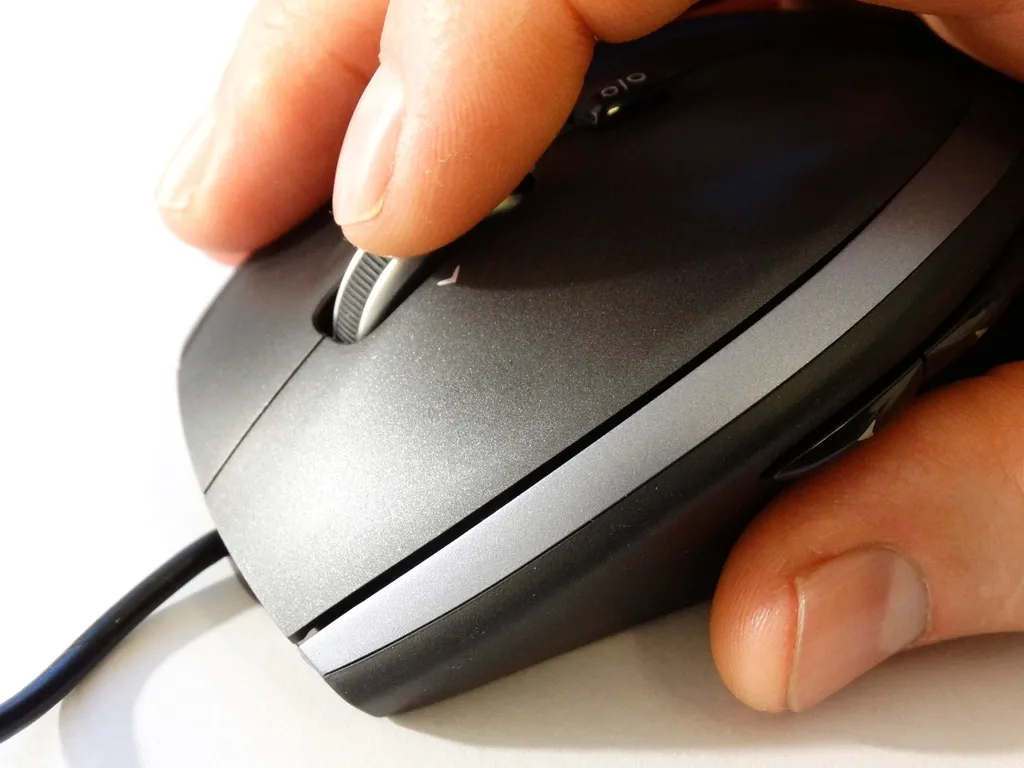
A laptop touchpad is sufficient for light use, but for typing reports, processing data, or designing, a mouse is much more comfortable and faster.
Wired or wireless?
Wired mouse
- No batteries required—just plug it in and use it.
- More affordable.
- Suitable for desktop computers and gaming.
Wireless mouse
- Keeps your desk tidier and is more convenient to carry with your laptop.
- Requires batteries or recharging.
- Choose one that uses a small USB dongle or Bluetooth, depending on your needs.
What is DPI?
DPI indicates how far the cursor moves when you move the mouse. For office work, 1,000–1,600 DPI is comfortable. Gaming mice usually offer adjustable DPI settings.
Useful features
- Silent click: the clicking sound is very quiet, making it suitable for classrooms, libraries, and offices.
- Ergonomic fit: A mouse that’s too small can cause finger strain.
- Side buttons: make it easy to go back to the previous page in your browser.
Don’t forget a mousepad
A mousepad makes cursor movements more accurate, especially on glass or glossy surfaces, and protects your desk from scratches.

Written by
Tim Digitize Store
The Digitize Store team: technicians and digital product makers helping you choose and use technology well.