Laptops That Overheat: Causes, Risks, and How to Fix Them
Laptops that overheat run slowly and break down quickly. Learn about the causes—from dust on the fan to dried-out thermal paste—and their solutions.
Maintenance

Laptops that overheat run slowly and break down quickly. Learn about the causes—from dust on the fan to dried-out thermal paste—and their solutions.
MaintenanceA swollen battery is dangerous and can damage your laptop. Recognize the signs early and take the following safety precautions.
MaintenancePreparations to make before reinstalling Windows, how to create an official installation USB drive, and installation steps to ensure your data and license remain secure.
MaintenanceThree quick ways to view a laptop’s full specifications in Windows—useful when buying a used laptop, selling one, or checking application compatibility.
Tips for ChoosingUsing the wrong charger can cause the battery to wear out quickly or prevent the laptop from charging. Make sure you understand the wattage, voltage, and…
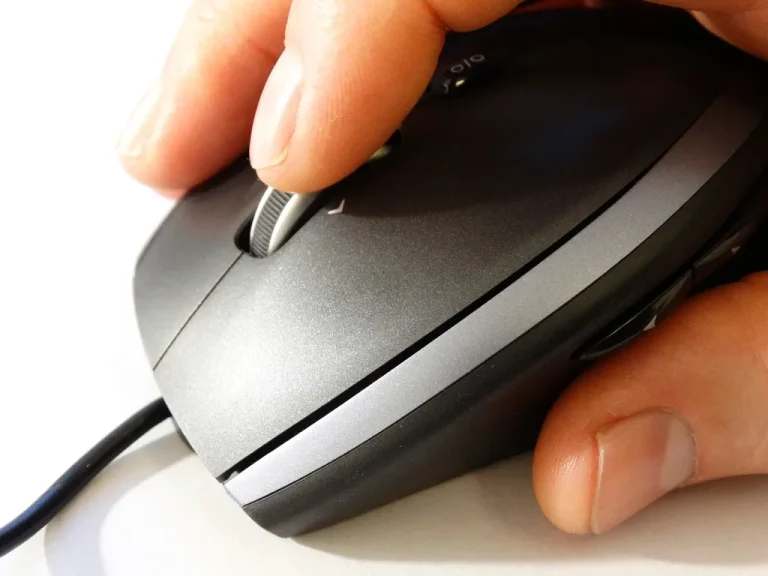
Tips for ChoosingThe right mouse helps you work faster and prevents your hand from getting tired. Compare wired and wireless mice, learn what DPI means, and discover useful…
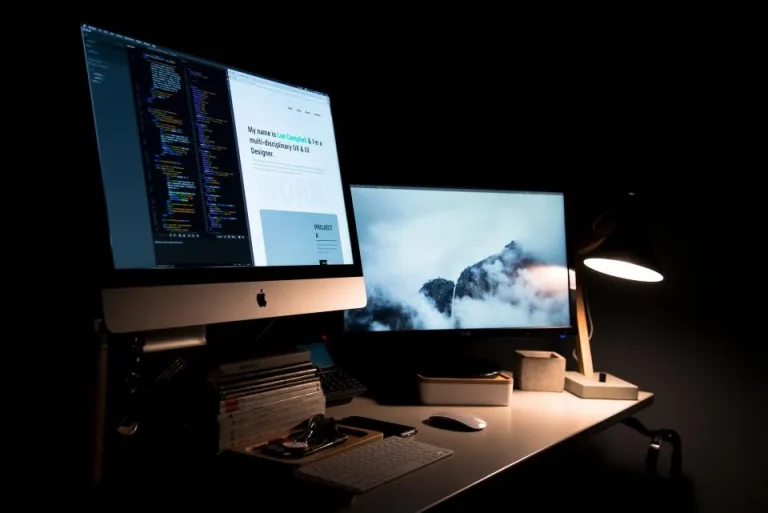
Tips for ChoosingA second screen makes working much more comfortable. Learn about the types of ports used, how to set display modes in Windows, and tips for choosing…
UpgradeComparing laptops and desktop PCs in terms of price, performance, maintenance, and portability for the needs of small offices, retail stores, and businesses.
Tips for ChoosingBefore replacing your laptop keyboard, check for simple causes such as dust, drivers, or settings. There are also temporary solutions to help you keep working.
MaintenanceGuide to Adding RAM to a Desktop Computer: Check the Type and Available Slots, Choose the Capacity, Install It Safely, and Make Sure the RAM Is…
Upgrade