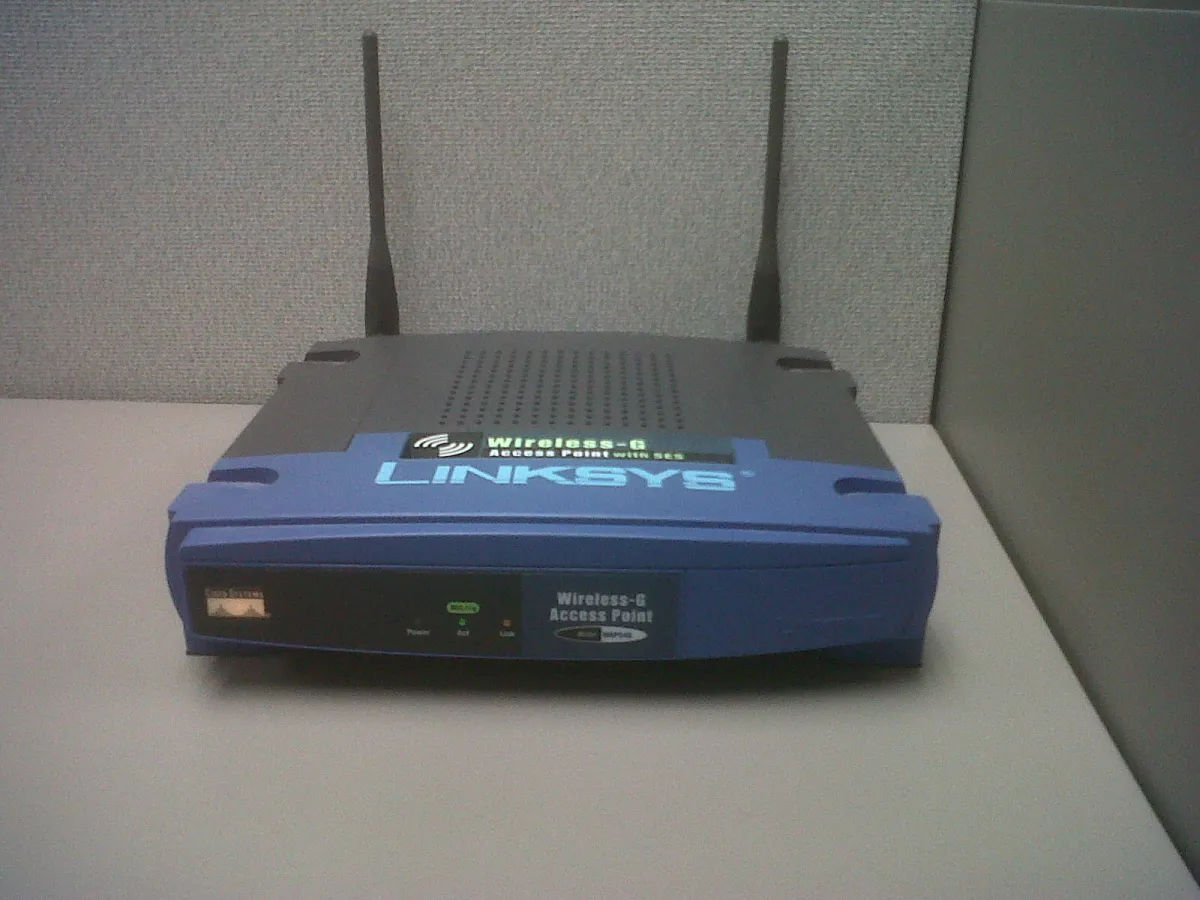
An access point determines how wide your Wi-Fi coverage is and how stable your connection is. Choosing the right one is more important than simply choosing the cheapest one.
Indoor or outdoor?
- Indoor models are suitable for classrooms, cafes, and homes. They’re usually mounted on the ceiling or wall.
- Outdoor models are weather-resistant and usually have a longer range, making them suitable for open areas and neighborhood networks.
Pay attention to user capacity
The “maximum number of users” specification is often overly optimistic. For a comfortable experience, plan for a number of active users that’s significantly lower than the maximum figure, then add more access points if the space gets crowded.
PoE support
Power over Ethernet delivers electricity through LAN cables, allowing access points to be mounted in high places without power outlets. Ensure that the PoE adapter or switch complies with the device’s standards.
Dual-Band
Dual-band access points transmit on both 2.4 GHz and 5 GHz. Newer devices can use the faster 5 GHz band, while older devices continue to use 2.4 GHz.
Effective Placement
- Install the access point in the center of the area you want to cover, not in a corner.
- Try to avoid placement behind concrete or metal walls.
- For multiple access points, set them to different channels to prevent interference.
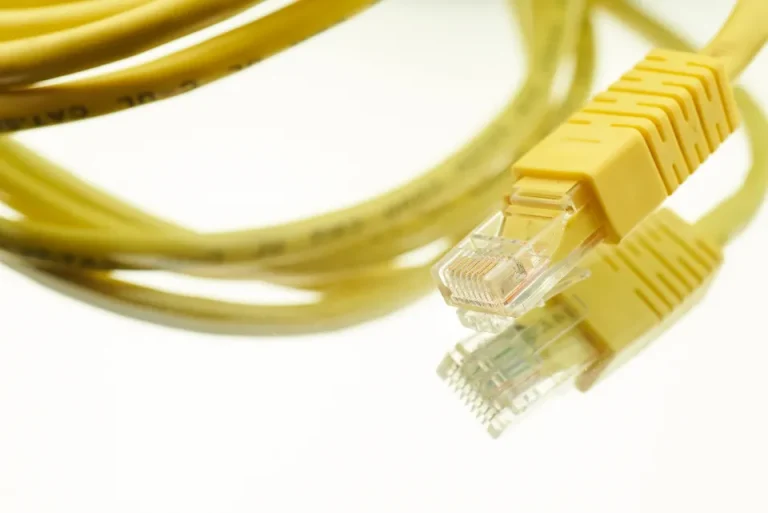
- Connect it to the router using a high-quality LAN cable.
Test Before and After
Use a Wi-Fi analysis app on your phone to check signal strength at various locations. Note any weak spots, then adjust the position or add an access point.

The Digitize Store team: technicians and digital product makers helping you choose and use technology well.