A used laptop can be a smart choice: they’re much cheaper, and many older business laptops are still powerful enough for college and office work. The key is to inspect it before buying.
Physical Inspection
- Screen hinges. Open and close the screen several times. Loose or squeaky hinges will usually get worse over time.
- Body and corners. Cracks in the corners often indicate the laptop has been dropped.
- Keyboard and touchpad. Type all the letters in Notepad, including numbers and function keys. Make sure the touchpad can click left, right, and scroll.
Screen Inspection
- Dead pixels. Display full-screen images of white, black, red, green, and blue. Any dots that do not change color are dead pixels.
- Spots and lines. Look for bright spots along the edges of the screen and vertical or horizontal lines.
Component inspection
- Battery. In Windows, generate a battery report using the
powercfg /batteryreportin Command Prompt. Compare the Full Charge Capacity with the Design Capacity. A value below 60% indicates that the battery has degraded significantly. - Storage. Laptops with SSDs are much faster than those with HDDs. Check their health using an app like CrystalDiskInfo; a Good status is what you want.
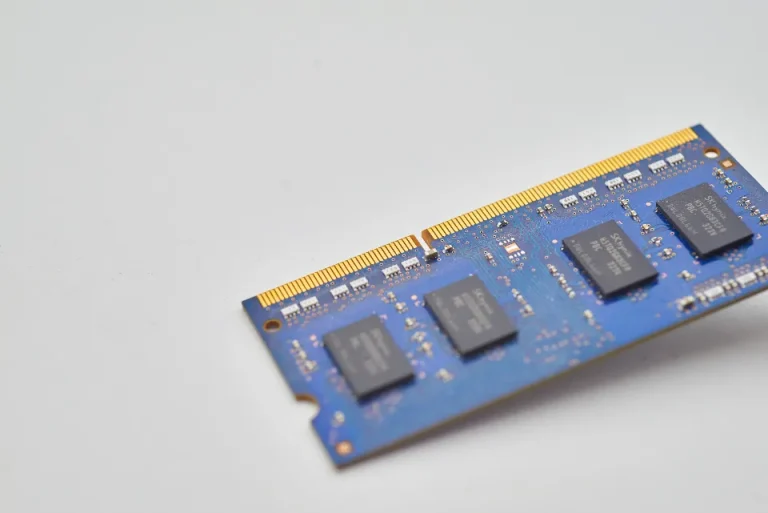
- RAM. For Windows 10/11, 8 GB is a comfortable amount for daily use.
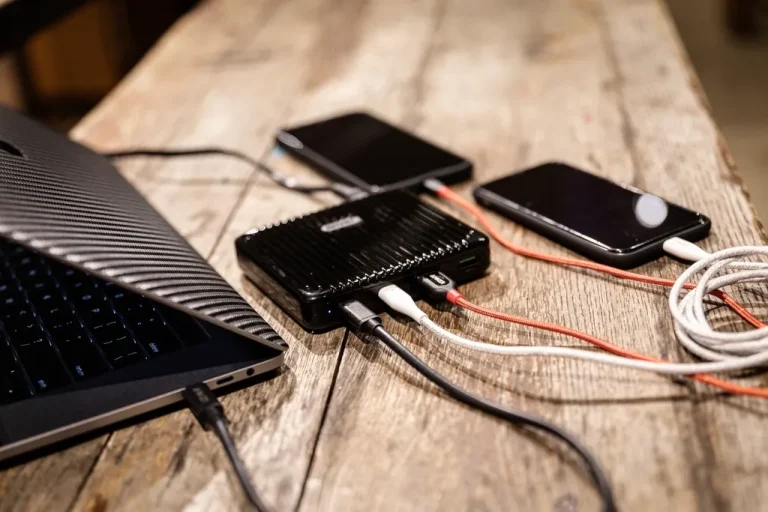
- Ports and connectivity. Plug a flash drive into each USB port; test the HDMI port, audio jack, Wi-Fi, and Bluetooth.
- Temperature and fan noise. Play a video or keep several browser tabs open for 10 minutes. A very loud fan or an overheating chassis indicates that the laptop needs cleaning.
Accessories and warranty
- Original charger. Counterfeit chargers with the wrong wattage can damage the battery.
- Store warranty. Choose a seller who offers a warranty, even if it’s only for a few weeks. A warranty shows that the seller is confident in their product.
Used business laptops: an often-overlooked option
Business laptop series such as the Lenovo ThinkPad, HP ProBook, and Dell Latitude are designed for years of use in an office setting. They have sturdy cases, comfortable keyboards, and spare parts are easy to find. Laptops like these are often the best choice for students on a tight budget.
Don’t hesitate to ask for time to test the laptop. An honest seller will let you check everything thoroughly.

Written by
Tim Digitize Store
The Digitize Store team: technicians and digital product makers helping you choose and use technology well.